 Your private Passport collection
MY PASSPORT · MY CELLAR
Every bottle. A story waiting.
Scan a label. Find its place. Remember the moment you open it.
Scan & add a bottle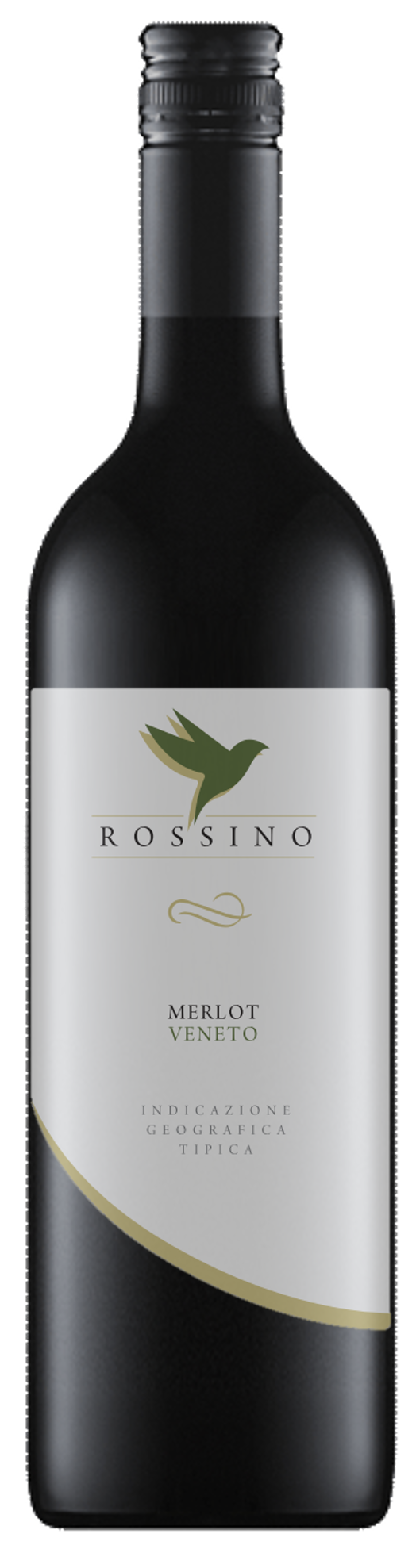
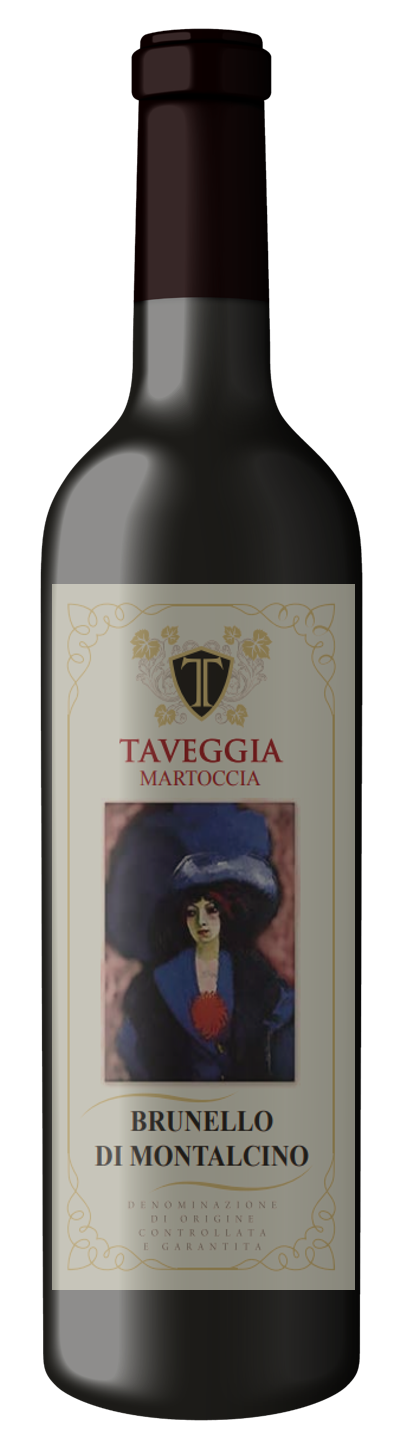
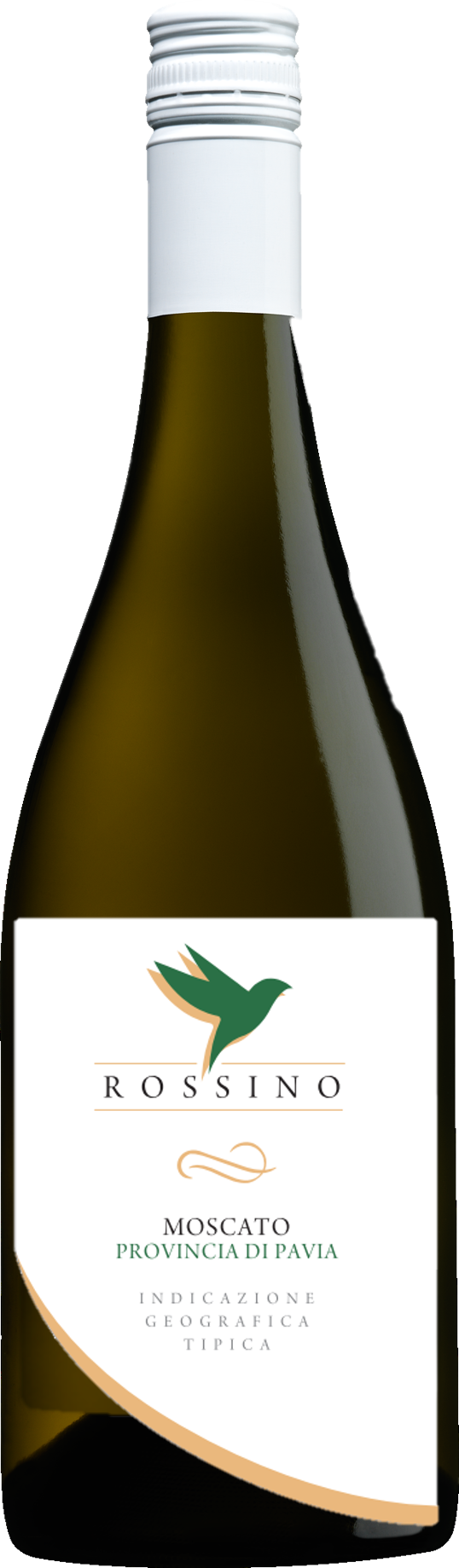
How to use My Cellar
- Scan a label and confirm the match, or add a wine manually. Check its vintage and enter the number of bottles.
- Add a storage location and your own observations. Tap a bottle on the wine wall to edit its details.
- Tap Opened one to reduce the count. Optional tasting notes are saved privately in your Journal; they are never posted automatically.
- In Estimated Cellar Value, select a bottle and open Prices & value history. Record its per-bottle purchase cost and an optional sourced estimate. Use Choose from my cellar for food pairing ideas.
Drinking windows are not assessed automatically. Your drinking target is a personal note. Storage conditions are not monitored by sensors.
Regional stories, vintage guides & wine historyOpening your cellar…